

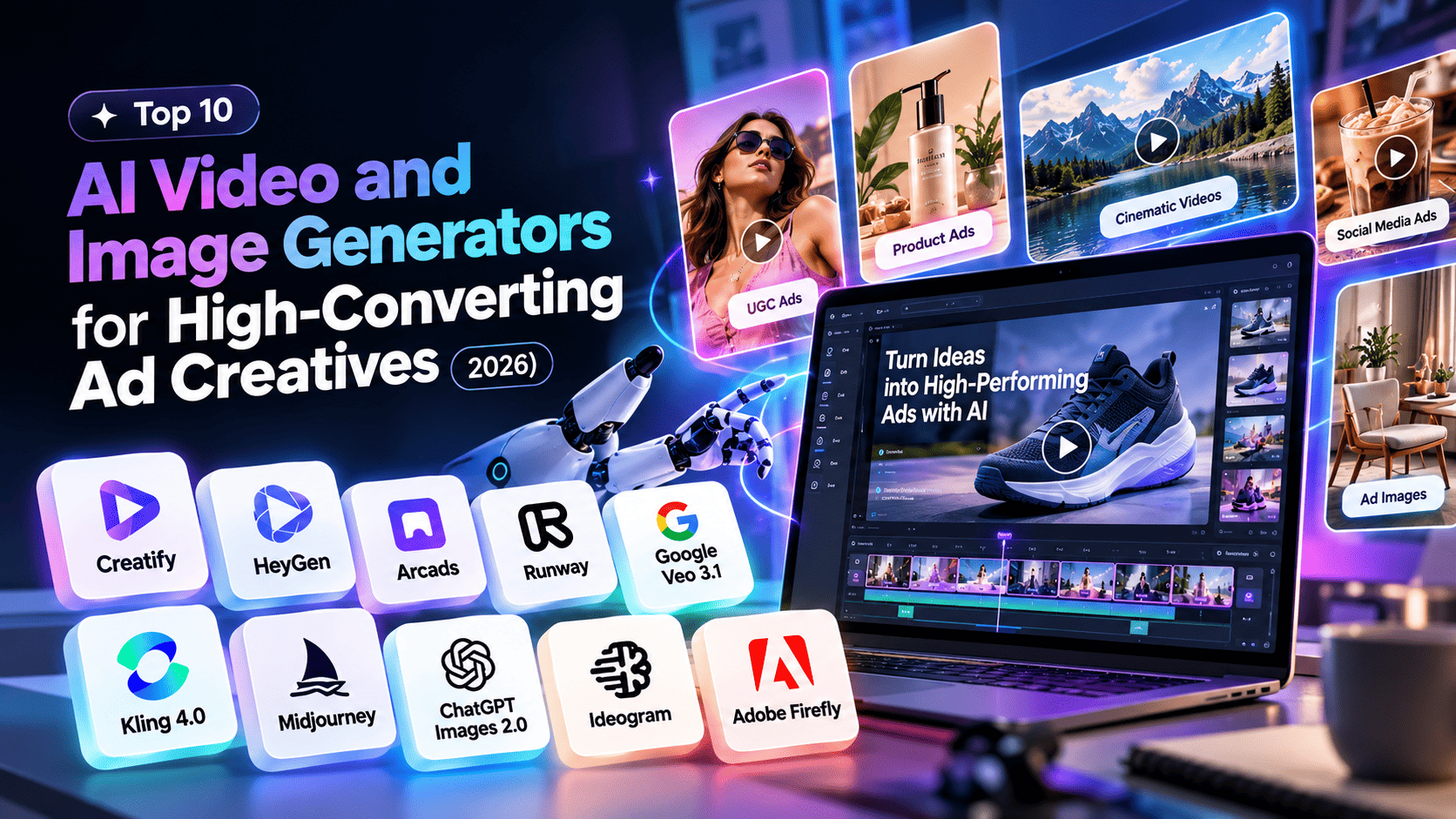
There are plenty of great AI tools to help with ad creatives in 2026. For video content you’ll want to use Creatify (to turn a product link into an ad), HeyGen (for presenter and multilingual videos), Arcads (UGC style videos with actors), Runway, Google Veo 3.1 & Kling 4.0 (cinematic clips). For images, Midjourney is great for visuals, ChatGPT Images 2.0 for layouts, edits and Ideogram for text within images, Adobe Firefly for safe for commercial use.
Sora is no longer available! To create a winning ad, regardless of which tools you choose to use, your offer, hook and landing page will be what decides if your ad converts.
Creative fatigue is the real bottleneck
Have you ever launched a campaign using a creative you really liked, and within the first week, your cost per purchase started to increase? That's creative fatigue.
The solution is simple: create more fresh content. But it can be hard to do. For example, a new video for your product means putting together a brief, going into production, editing and waiting for a couple of weeks. Lifestyle images means booking into a studio. For most small/medium brands this isn't sustainable, and they will just end up using the same 3 ads again and again.
AI image and video tools have changed everything. You can now take a product image or page URL and have a finished vertical video in minutes. We can test 10 different variations rather than 2. However, as the market is very busy there can be issues. Some tools give beautiful videos but are completely useless for ads. Others are designed for ads, but can't generate any high quality videos.
We have done the research for you! Here are 10 AI video/image generators that are worth taking a look at in 2026. We will give you what they are good at, any negatives and how much they cost to get started. We will also talk about where Radianzz comes in as having a tool itself won't guarantee you will get conversions from your ads.
The offer, the landing page, the targeting and the measurement still do most of the work, and that's exactly what our performance marketing and AI & automation teams spend their days on.
Why AI generators are worth using for ads (and where they fall short)
Let's skip the hype and look at what these tools actually change for an ad team.
More tests on the same budget. The ad platforms will reward you with fresh creatives. But if you're having to create multiple versions, this can get costly. If you can turn one product image into 12 different versions by lunchtime, you'll be able to experiment with more variations, hooks, and offers than ever.
Faster learning. The real value of ad testing is knowing more about your audience. The shorter the creation process, the quicker you’ll be learning, which will lead to the majority of performance improvements.
Cheaper supporting cast. Whilst you might still want real images for your hero products, seasonal variations, offers and quick social edits won’t need a full day in the studio.
Now the other side of it.
AI doesn't fix a weak offer. If your product page or pricing is confusing, then you’re wasting time sending people to a page that won’t convert.
Outputs need a human eye. Product details can get distorted, text can glitch, and you could be losing trust by having a clip shouting ‘AI’. Make sure everything is reviewed before going live and research the current guidelines for AI on each ad platform.
The tools move fast. Models, prices and even whole products come and go. More on that in a second.
The top 10 AI video and image generators for ad creatives
Here we have split them into categories based on their best use case. It will depend on your use case whether these are best. Firstly video tools (1-6) and then image generators (7-10). They are in this order due to the typical advertising workflow.
Prices below were accurate at the end of October 2026. However, these companies change their pricing frequently so use the numbers below as a guideline and make sure to check the pricing page.
# | Tool | Type | Best for | Entry price (Oct 2026) |
1 | Creatify | Video | Turning a product link into a video ad | Free plan; paid from $15/mo |
2 | HeyGen | Video | Avatar-led ads in many languages | Free plan; Creator $29/mo |
3 | Arcads | Video | UGC-style ads with AI actors | No public price; reported near $110/mo |
4 | Runway | Video | Cinematic brand spots | Free credits; Standard $15/mo |
5 | Google Veo 3.1 | Video | Clips with built-in sound | Google AI Pro $19.99/mo |
6 | Kling 4.0 | Video | Longer clips with keyframe control | Standard $8.80/mo after a $6.99 first month |
7 | Midjourney | Image | Striking brand imagery | From $10/mo |
8 | ChatGPT Images 2.0 | Image | Layout-heavy images and quick edits | In ChatGPT; thinking mode on paid plans |
9 | Ideogram | Image | Ads with text inside the image | Free tier; paid from about $7/mo |
10 | Adobe Firefly | Image and video | Commercially safer brand work | Standard $9.99/mo |
One name you won't find here is Sora. OpenAI shut down the Sora app on April 26, 2026 and the Sora API on September 24, 2026, as CloudZero's Veo pricing breakdown notes, citing OpenAI's own notice. If an older roundup still recommends it, that list is out of date.
1. Creatify: best for turning a product link into a video ad
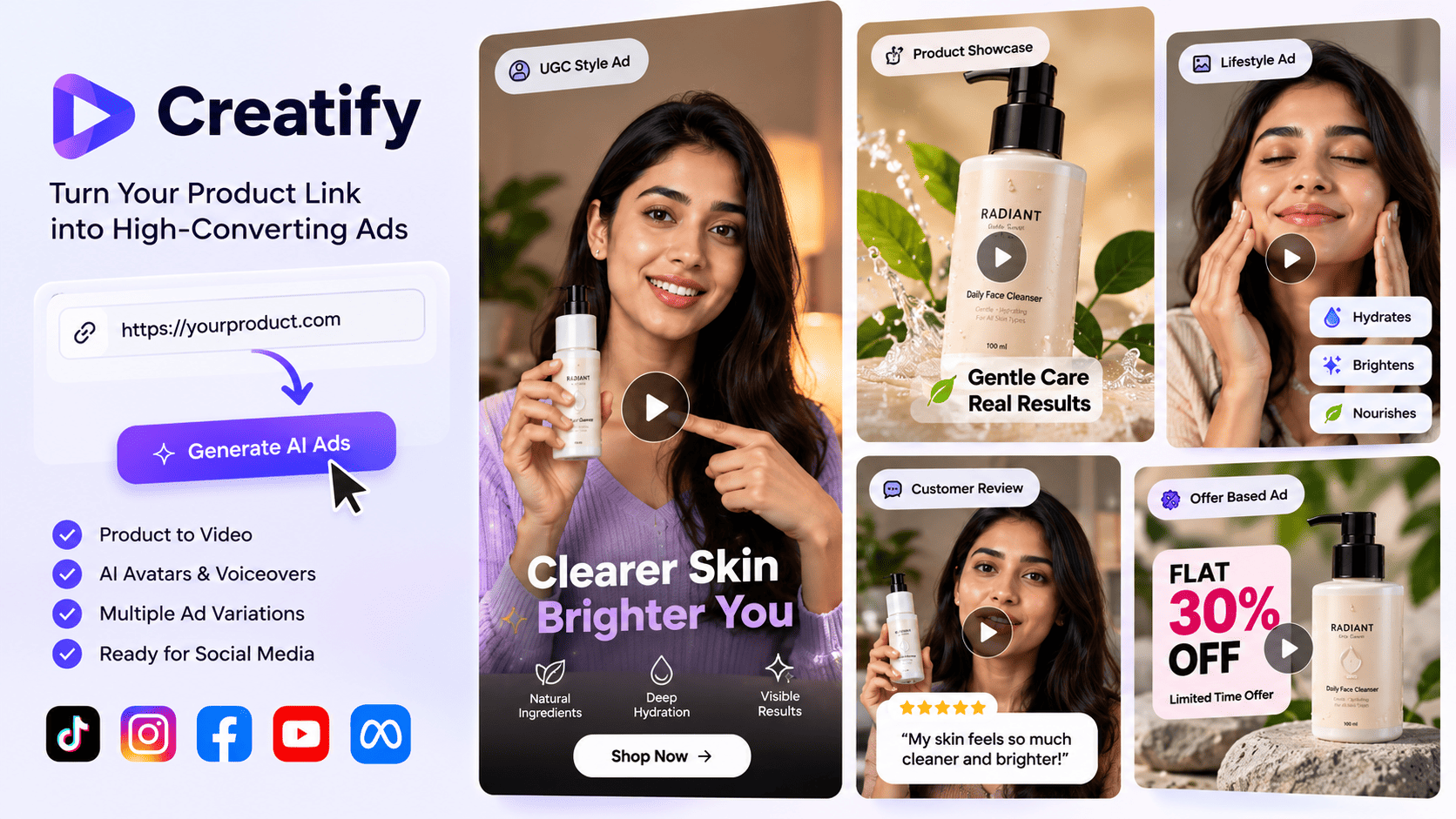
Creatify An easy way to quickly generate a video ad. Paste your product URL into the platform, which will extract all the images and information from the page. You can then add a script, AI host, voice over and editable CTA. This can take from URLs from different stores such as Shopify, Amazon, App Store and Google Play.
This platform works great if you have a catalogue of products, and need new ads created quickly. It allows you to choose from a large range of AI actors (300 available on the entry level, 1500 on the higher levels). There are also lots of templates available (200+) on the entry level. Ad launcher is also available so you can launch your ads on Meta, TikTok and AppLovin. Just make sure they are included on whichever plan you’re on.
Credits can get quite expensive. Anything that requires the AI to run will require more credits to be used. So if you want to regenerate scripts or avatars, it will cost you. On the free plan there is also a watermark on exportable ads meaning it can only really be used as a test.
Try this: take your five best-selling products and make three hooks for each: one problem-first, one offer-first and one built around social proof. Test the hooks against each other before you scale spend.
2. HeyGen: best for avatar-led ads in many languages
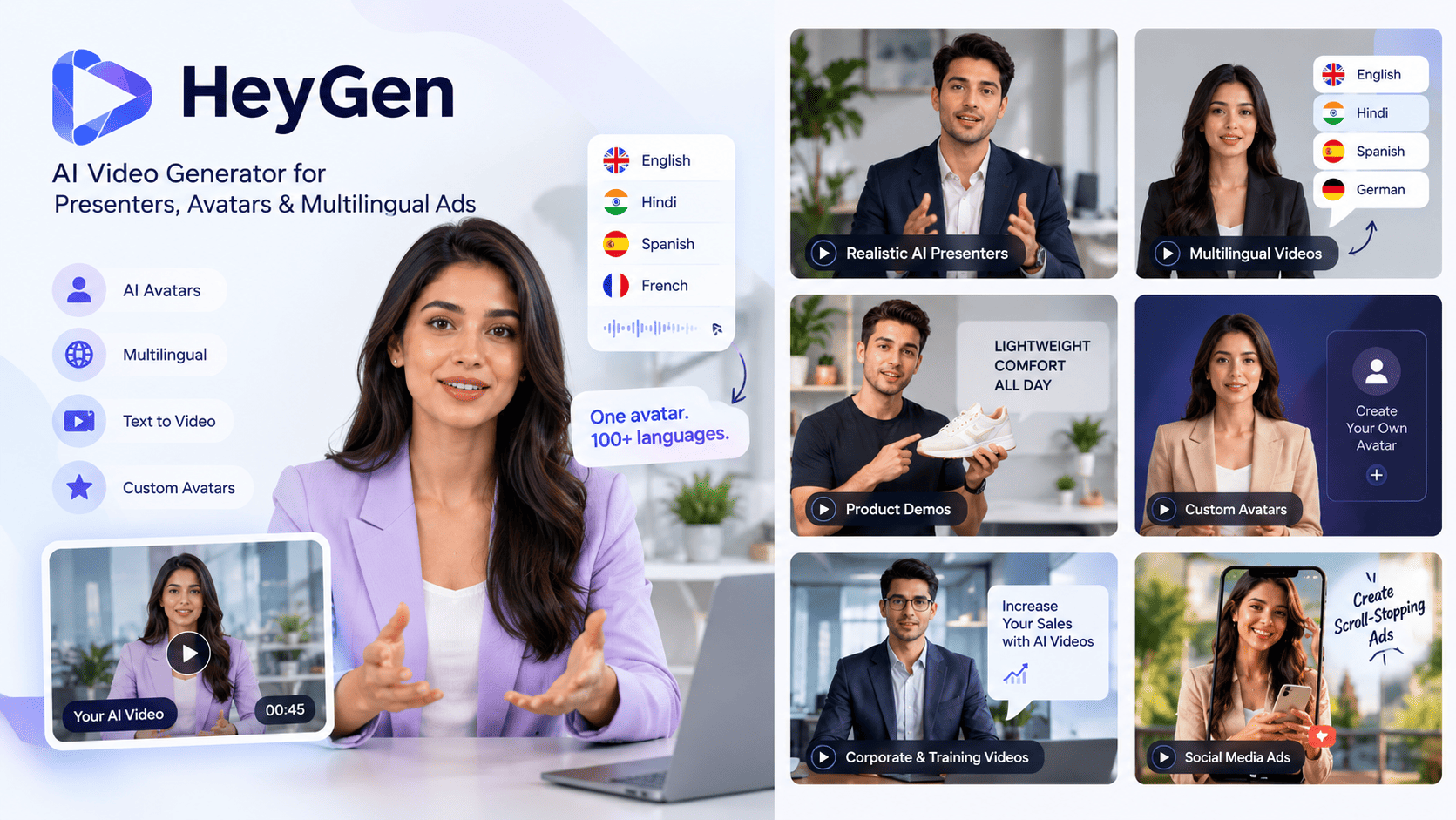
HeyGen This focuses on video with a host. Write a script, select or create an avatar that looks like you, and the avatar will present your content. This is great for explanation adverts, founder style pitches and demoing products.
The standout feature for advertisers is the translation option. It supports over 175 languages and dialects on the paid plans. The best thing is that you can use the winning ad in multiple new markets by translating it without needing to record again. The higher paid tiers also include other avatars such as Veo 3.1. This allows you to combine videos from avatars and AI videos.
The more advanced avatars will use more credits per minute. So you could be running through credits quicker than expected on longer videos. The script should also avoid sounding too scripted as these will not perform well. Write the script how people would naturally speak.
Try this: take your best-performing ad script, record it once, and generate versions in the languages your customers really use.
3. Arcads: best for UGC-style ads with AI actors
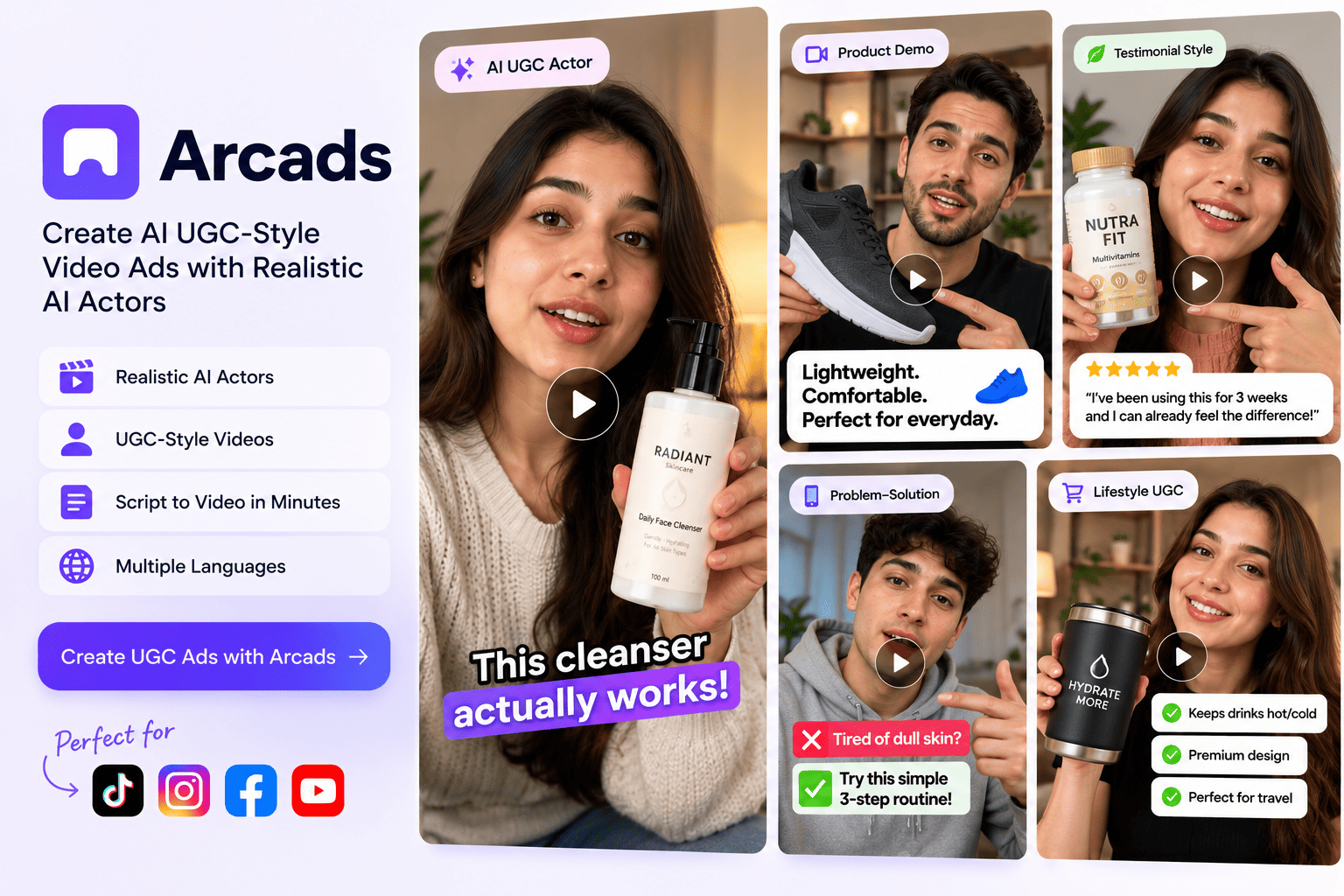
Arcads These UGC style adverts are huge on TikTok and Instagram. Arcads allows you to do this using AI avatars. Write a script, select an actor and it creates a video with the actor presenting. There are over a thousand avatars in the library to choose from and they can be filtered by age, gender and scene.
The best use is for videos where there is a person speaking. This could be testimonials, I tried this for 30 days and direct response hooks. It won’t be ideal for showing a product being used as it’s very much a host based video.
However, the avatars can become repetitive if everyone uses the same faces within your category. Try varying the avatars and also using some real customer videos.
Try this: write five openings for the same offer (a question, a bold claim, a complaint, a before-and-after, a quick demo) and test only the first three seconds.
4. Runway: best for cinematic brand spots
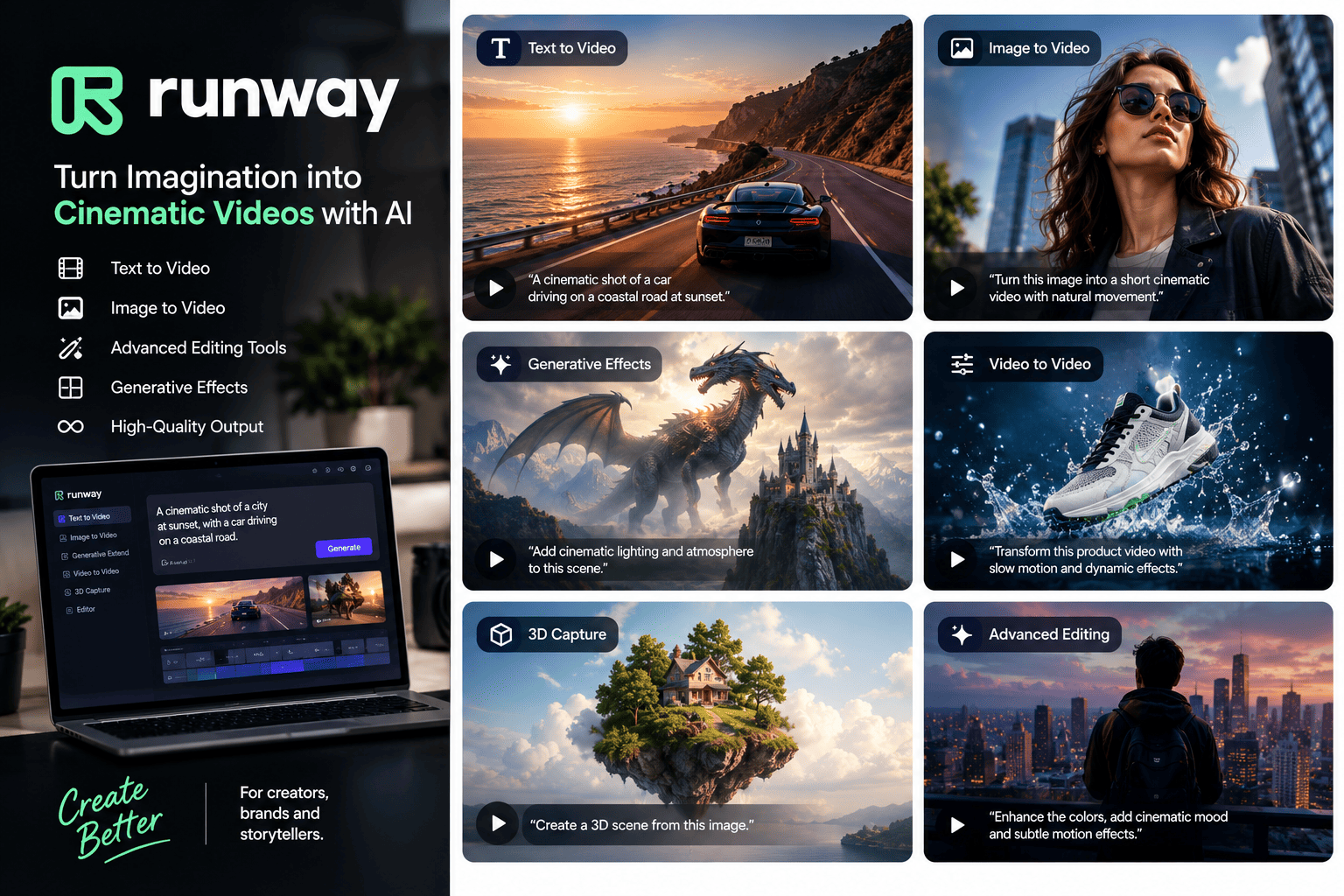
Runway is great for giving your advert a cinematic feel. The main video model available is Gen-4.5 which can generate videos from text or images. They have also added another video model to allow editing of existing videos. They also have other models such as Kling 4.0 and Nano Banana Pro which will all pull from the same credit pool.
This is great for hero shots, mood videos and short loop videos. However the price does mean you need to plan. The Gen-4.5 video model costs 12 credits per second. With the 625 credits on the standard plan this would give you around 52 seconds of video per month. This is only really ideal for hero assets. They also have a new feature within the platform to create, test and publish videos. This is new so try this on a smaller campaign.
Try this: use one strong product still as the first frame, generate a five-second camera move around it, and use that as the opening shot of a longer ad.
5. Google Veo 3.1: best for clips with built-in sound
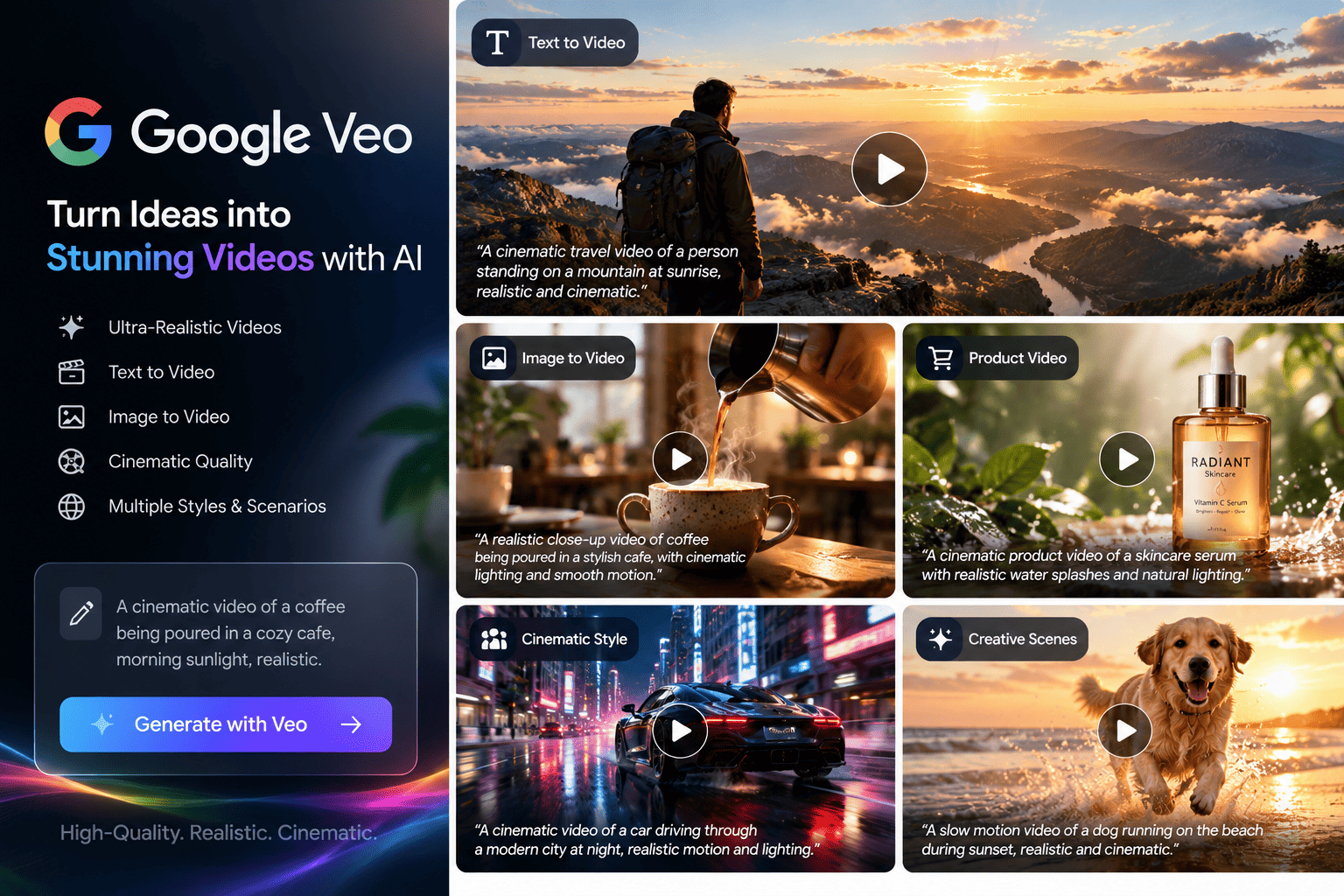
Veo is the video model from Google. They currently have Veo 3.1. This is ideal for adverts as it includes the audio. This can be done using the Google Flow app with a Google AI plan. Or using the Gemini API if you are using your own workflow.
This has a maximum video length of 8 seconds. So longer videos will need to be spliced together. Every time you do a retake you will be losing credits. To keep costs to a minimum write your script in short bursts (hook, problem, product, proof, offer) and generate each part individually. This way you only have to re-generate the part that missed.
Try this: generate three versions of your hook beat only, pick the strongest, then build the rest of the ad around it.
6. Kling 4.0: best for longer clips with keyframe control
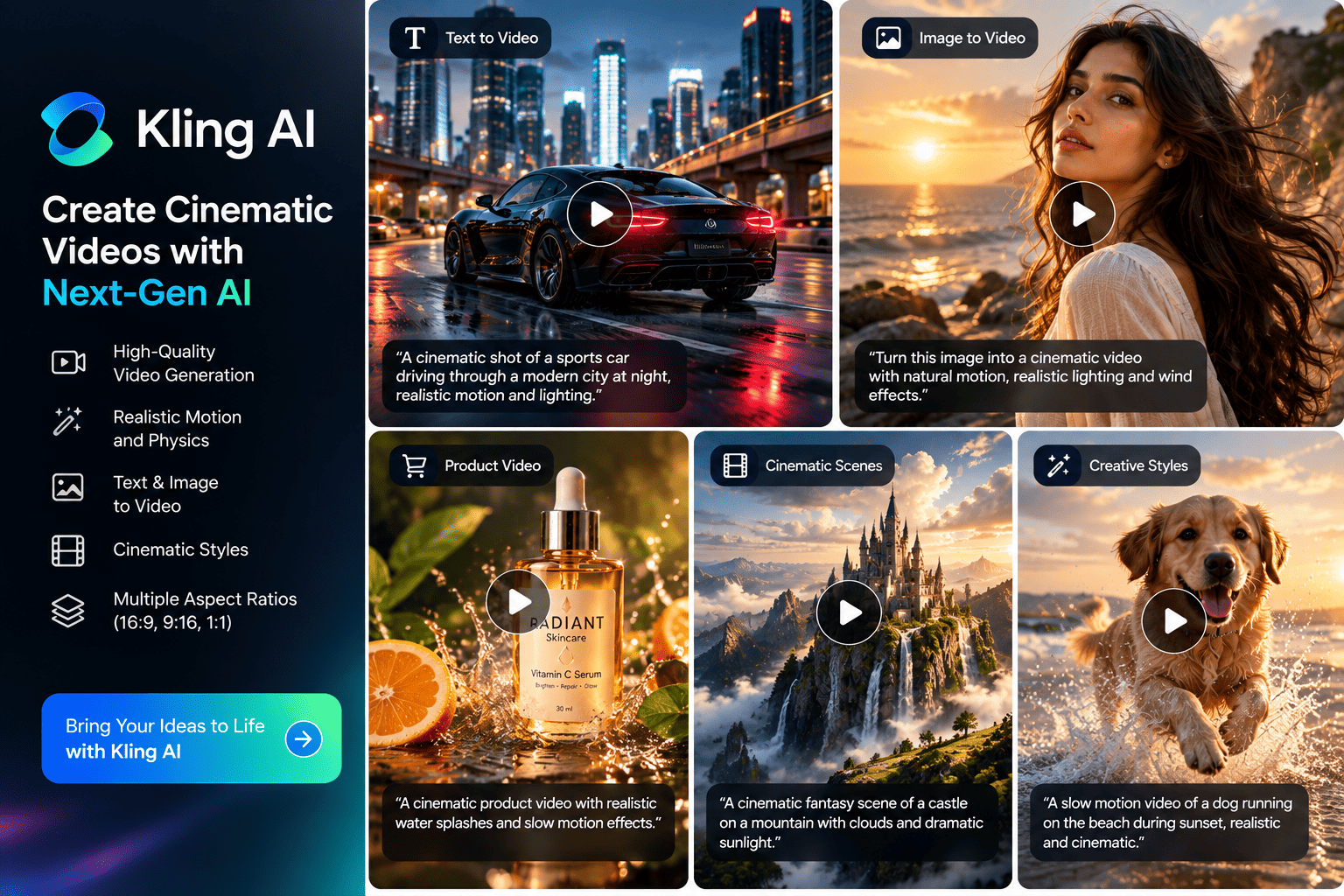
Kling is the video model from Kuaishou. Version 4.0 was released to everyone on October 15th 2026. It was released to early access users on September 28th so it is the newest tool here. Be wary of early reviews. This does look very promising. Videos can be between 3-30 seconds long. They can be outputted up to 4K. They have stereo audio, up to 10 keyframes to help guide the scene and can edit existing videos.
It’s the keyframes and longer video length that make this ideal for adverts. You can set the beginning and end of your product shot.
However, they haven’t released how many credits a video will use on the 4.0 version. Their own API is also coming soon so this is only available within the app. If you don’t want to use the app they have it listed on Runway. It will cost 118 credits to generate a 5 second 1080p video.
Try this: set the first frame to your product on a shelf and the last frame to a customer holding it, then let the model fill in the movement between the two.
7. Midjourney: best for striking brand imagery
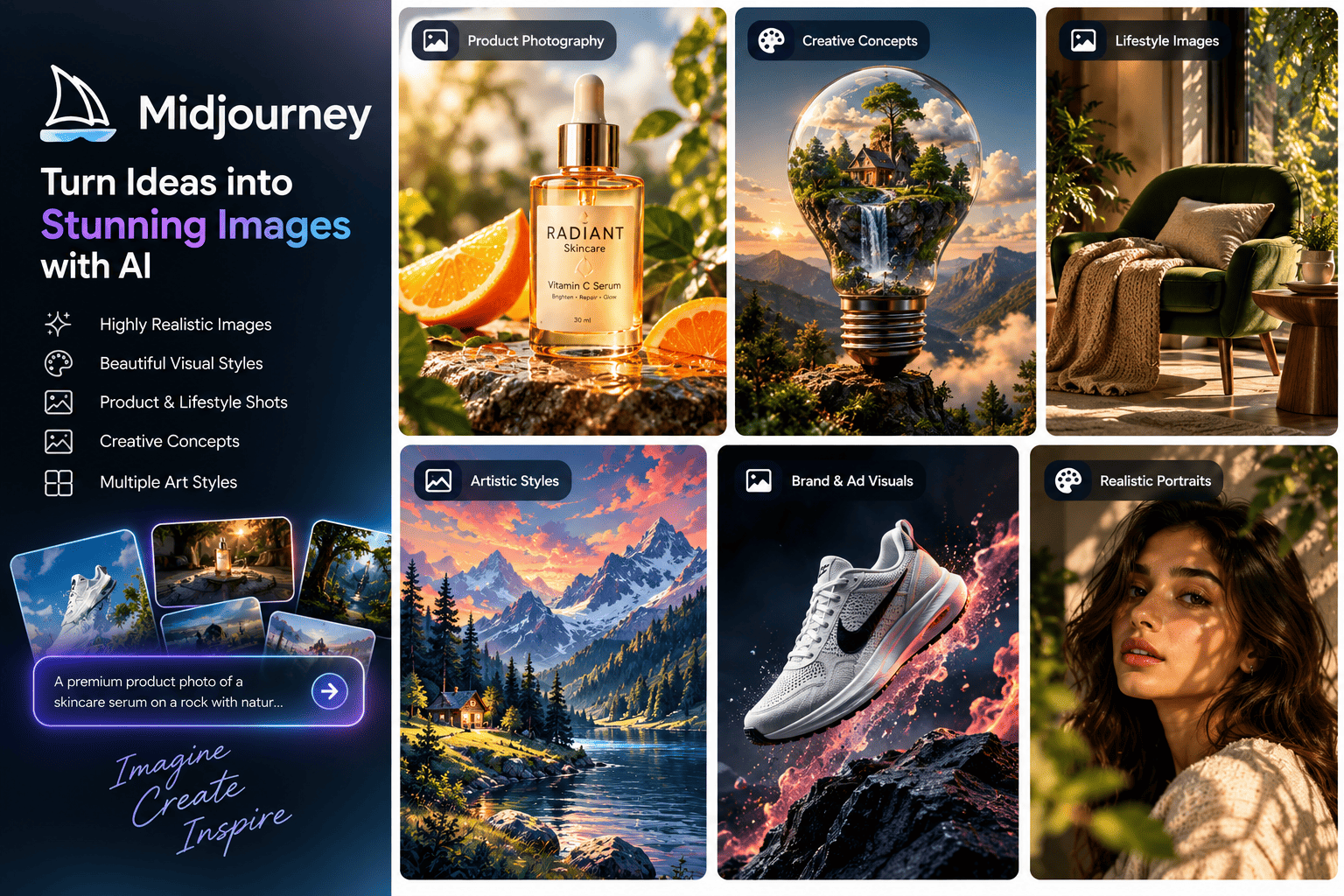
Midjourney is ideal for images that will stop the scroll. They have a great mood, texture, lighting and overall don’t look stock. They charge based on the GPU usage. They also have video options within the plans so you can animate your still.
However, all of the plans have general commercial terms. If you have a company with over $1million gross revenue annually you will need to be on the Pro or Mega plan. Stealth Mode which allows you to keep your images and videos private is only available on Pro and Mega. So your ideas for your campaign won’t be kept private on the lower plans.
This isn’t ideal for adverts. There are no templates, no URL to ad and layout options. You will need to take the images into your design tool to add your headline, price and logo.
Try this: generate a set of lifestyle backdrops in your brand colours, then place your real product photos on top. The mood comes from the AI and the product stays accurate.
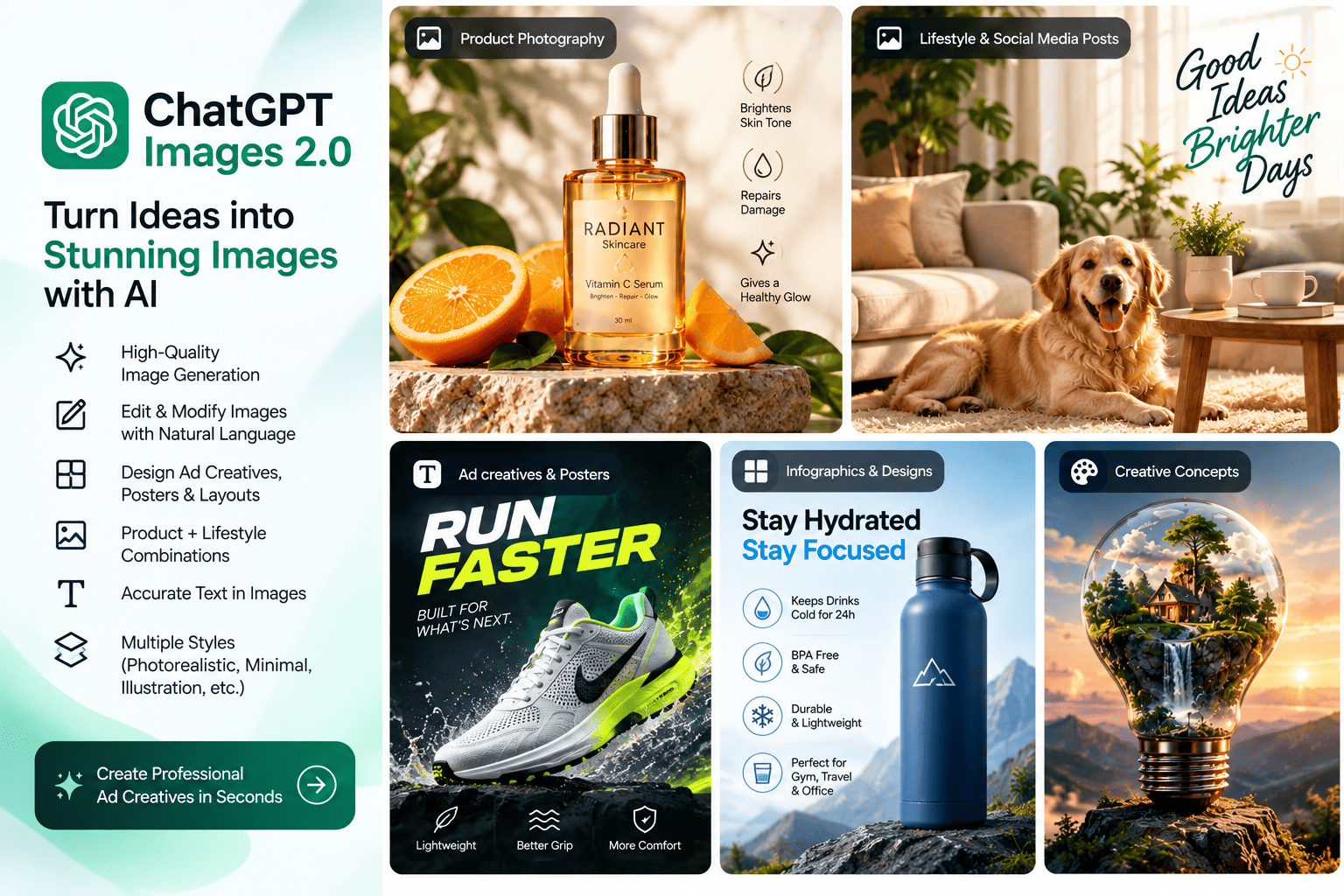
8. ChatGPT Images 2.0: best for layout-heavy images and quick edits
OpenAI released ChatGPT Images 2.0, built on its gpt-image-2 model, on April 21, 2026. They have replaced their old image models within ChatGPT. DALL-E 2 and 3 were retired on the 12th May. The main new feature is the ability to plan your composition. When using the thinking mode you can generate up to 8 related images with consistent characters, objects and style. They can be up to 2K resolution.
This is great for adverts. You can describe what you want in your layout (Headline in top left, Product in middle, Badge in bottom). Then use the thinking mode to tweak your image. Make it warmer, change the badge to 20% off and try a square crop. They also mention improvements to text within scripts such as Hindi, Japanese and Korean. This is ideal if you are advertising outside of English speaking countries.
However, the thinking mode is only available on the paid ChatGPT plans. As with all image models you will need to be very careful with your spelling, product details and anything that could be an issue legally such as claims and logos. Double check all assets.
Try this: ask for a five-image carousel with the same character and style telling a problem-to-solution story, then edit it slide by slide.
9. Ideogram: best for ads with text inside the image
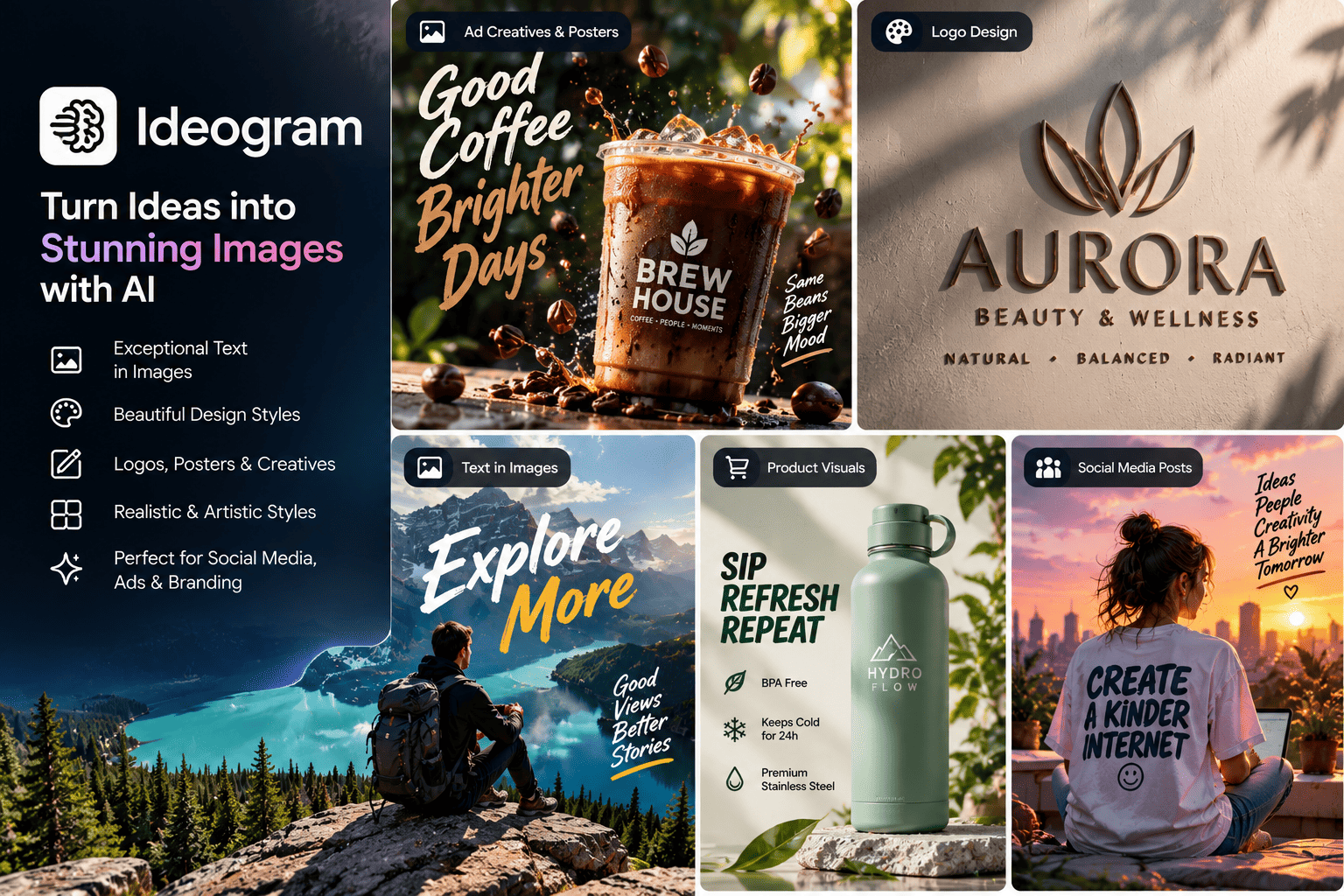
Ideogram is ideal if you need your headline, price or CTA to be neatly drawn within the image. They are well known for their text. They have been rated highly or top in several comparisons. This makes them great for sale banners, poster style creatives, quote cards and packaging concepts.
However, they are an image tool so won’t have URL to ad and launch your campaign. Everything will need proof reading as even the best text generators can struggle with longer lines
Try this: keep one image fixed and test three headline treatments on it: a benefit, an offer and a question.
10. Adobe Firefly: best for commercially safer brand work
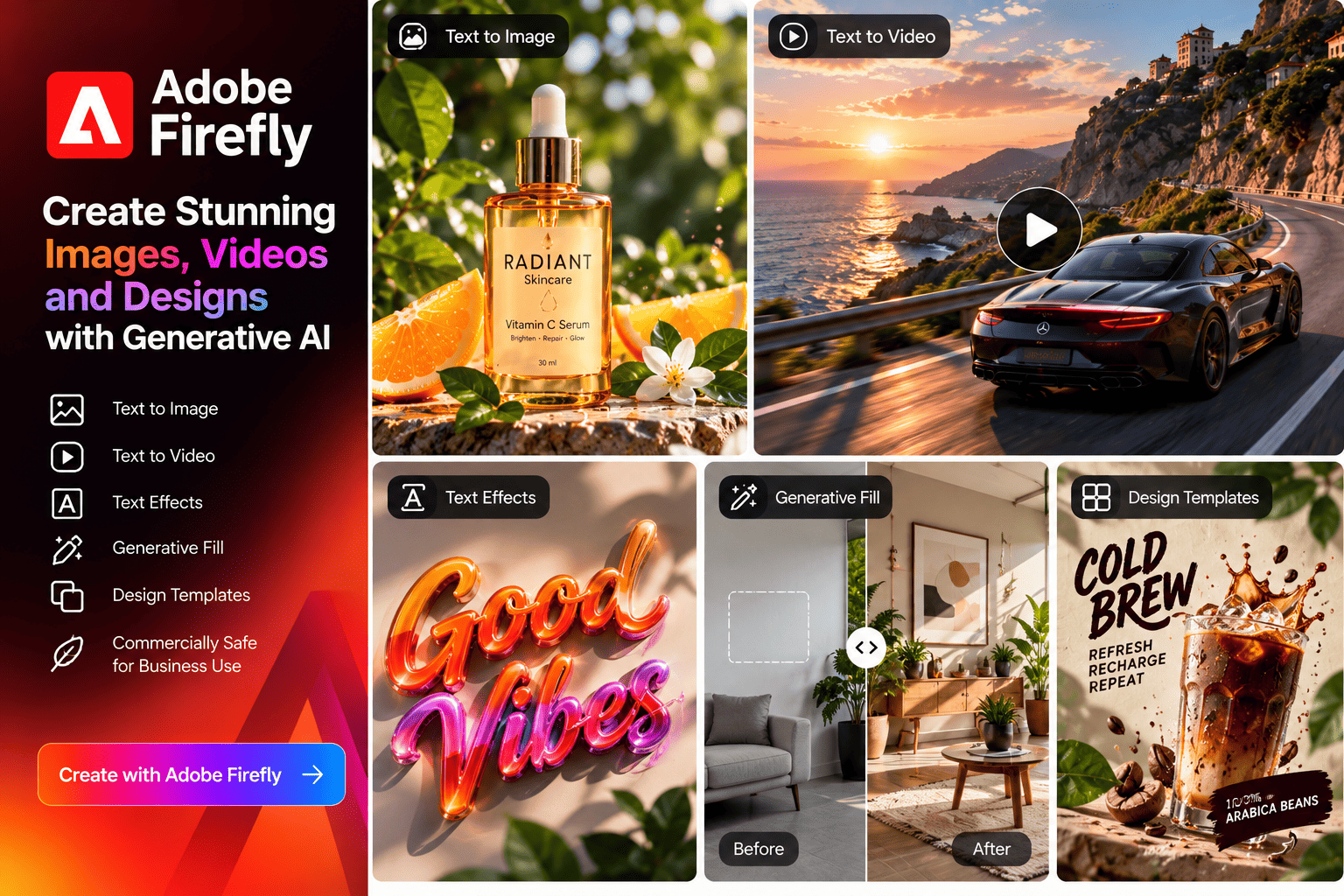
Adobe's pitch for Firefly is that they are safe. They train their models on licensed and public domain content. Outputs have content credentials and eligible enterprise customers can receive IP indemnification for select outputs. If you have a legal team within your brand this can be more important than a slightly nicer image.
They integrate well with tools you may already use. Generative Fill and Generative Expand are available on the paid plans. This is great if you need to stretch one product image into square, portrait and story crops. Pro includes Photoshop on web and mobile. Video and audio also have the same credits.
However, the safety for commercial use only applies to their models. Not the partner models which you can also choose from. Be sure to check which model you used. Credits also reset every month so won’t roll over. Some user reviews mention limitations to the generation and losing credits due to failed jobs. Try the free version first.
Try this: take your best product photo and use Generative Expand to build the 1:1, 4:5 and 9:16 versions you need for feed, carousel and Stories.
Other Tools
There were a couple of others worth mentioning here Photoroom has a great tool called Video Ad Maker. This lets you create short ad videos using your existing product photography Higgsfield leans on director-style camera control and cinematic presets for short-form video. And Canva remains an easy choice for template-based promo videos with tight brand control.
How to pick the right tool (and turn the output into ads that convert)
Pick the tool by the job it has to do, then build a repeatable process around it. Here's a quick way to match the two.
If you need... | Start with |
Video ads for a whole product catalog | Creatify |
A presenter explaining your offer, or one ad in several languages | HeyGen |
Testimonial-style ads that look like creator content | Arcads |
A cinematic hero video for a launch | Runway, Veo 3.1 or Kling 4.0 |
A scroll-stopping lifestyle image | Midjourney |
Banners and posters with text inside the image | Ideogram or ChatGPT Images 2.0 |
Brand-safe imagery for a client with a legal team | Adobe Firefly |
A quick edit to an existing image | ChatGPT Images 2.0 or Adobe Firefly |
Most teams end up with two or three tools, not one. A common mix is one tool for fast product video, one for hero imagery, and one for text-heavy graphics.
A simple workflow that works
1. Start with the offer and one audience. Write a one-line promise before you open any tool. A beautiful ad for a vague offer is still a vague ad.
2. Draft five hooks. The first three seconds decide whether anyone stays. Write the openings first, then build the ad around the best ones.
3. Generate in small batches. Use the cheaper or faster modes for drafts and save premium credits for the versions you'll actually run.
4. Review like an editor. Check product shape and colour, hands and faces, spelling, prices, logos, and any claim you'd have to defend.
5. Add the exact details yourself. Logo, price, legal line and call to action go in through a design tool so they're precise.
6. Export for each placement. Vertical 9:16 for Stories and Reels, 4:5 for feed, and 1:1 where you need it.
7. Test one change at a time. Swap the hook, or the image, or the offer, but not all three, so you know what moved the result.
8. Match the landing page to the ad. Same promise, same visuals, fast load. This is where a lot of good creative quietly loses its conversions.
Check these before you publish
• Licence terms. Read each tool's commercial-use terms. Midjourney's revenue threshold and Adobe's partner-model caveat above are two examples of fine print that can change your plan choice.
• Likeness and voice. Use AI actors, avatars and cloned voices only as the tool's terms allow, and never imitate a real person without their permission.
• Platform rules. Check the current policies of Meta, TikTok and Google on AI-generated content and labelling. They differ by platform and they change.
• Honesty. Don't show results or product features your product can't deliver, however good the render looks.
How Radianzz helps you turn AI creative into revenue
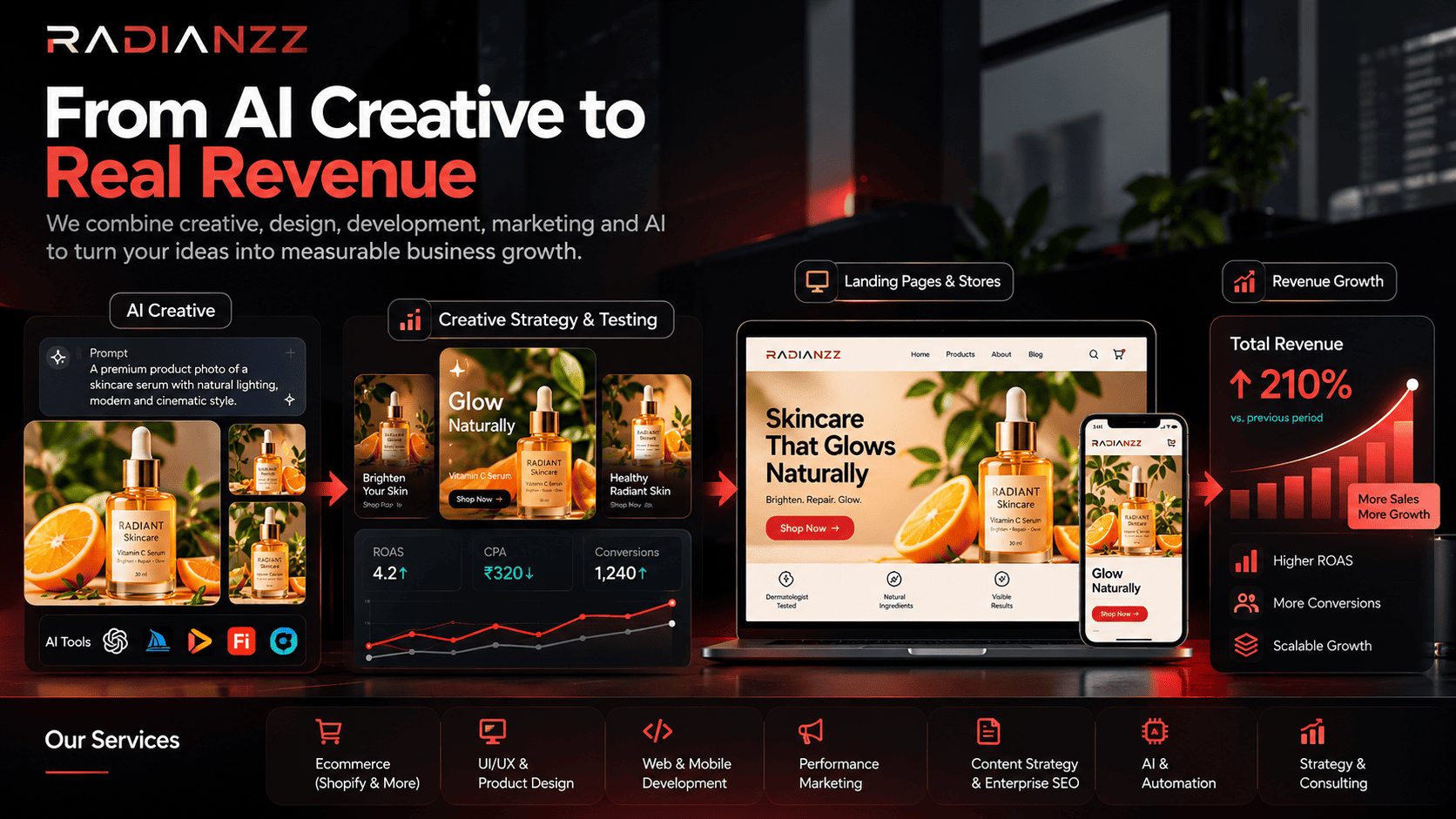
AI tools make creative cheap to produce. They don't make it good, and they don't make it convert. That part still comes down to strategy, taste and measurement, which is where we come in at Radianzz.
Our team covers commerce, product design, development, marketing and AI under one roof. That means the creative, the landing page and the tracking can be planned together, instead of three vendors passing the ball back and forth.
Creative strategy and testing
We help you decide which hooks, formats and offers are worth producing, then set up structured tests so every round teaches you something. Our performance marketing team ties creative testing back to cost per acquisition and revenue, not just clicks and views.
AI-assisted production with brand guardrails
We can help you choose the right mix of the tools above, build prompt and reference libraries that keep your visuals on-brand, and set up repeatable workflows so your team can produce variations without starting from scratch every time. Our AI & automation and UI/UX & product design teams handle the systems and the design polish.
Landing pages and stores that match the ad
An ad only does half the job. The promise it makes has to continue on the page, with the same message, the same look and a fast, clear path to buy. If you sell on Shopify, our Shopify & Shopify Plus team can build, migrate and optimize the store your ads send people to. Other platforms are covered on our ecommerce page.
Content and search visibility
The same thinking applies to search. If you want your brand to show up in AI-powered answers as well as in ads, start with our guides on optimising a Shopify store for AEO and GEO and what Generative Engine Optimization is. You can also explore our content strategy and enterprise SEO services.
Want to see how we work?
Browse our case studies, or start a conversation. Tell us what you sell, where you advertise and what isn't working, and a senior partner will get back to you within one business day.
Conclusion
There's no single best AI generator for ad creatives, and anyone who tells you otherwise is probably selling one. Creatify, HeyGen and Arcads are built around ad workflows. Runway, Veo 3.1 and Kling 4.0 give you cinematic footage. Midjourney, ChatGPT Images 2.0, Ideogram and Firefly cover the images, from mood to layout to text to legal comfort.
What separates ads that convert from ads that merely look good is rarely the tool. It's a clear offer, a sharp first three seconds, honest claims, a landing page that keeps the promise, and a habit of testing. Pick one or two tools from this list, run a small test this week, and keep what the data supports.
And remember how fast this market moves. Sora disappeared in 2026 and Kling 4.0 arrived in October. Treat any tool list, this one included, as a snapshot, and recheck before you commit budget.
Key Takeaways
• The best AI tool depends on the ad: product-link video, presenter or UGC video, cinematic clips and image creative each have different leaders.
• Most teams do better with two or three tools than with one all-purpose tool.
• Review every output for product accuracy, spelling and claims, and add logos, prices and legal text yourself.
• Check each tool's license terms and each ad platform's rules on AI content before you publish.
• Test one variable at a time, and make sure the landing page matches the ad.
• Prices and models change quickly, so recheck before you buy.