

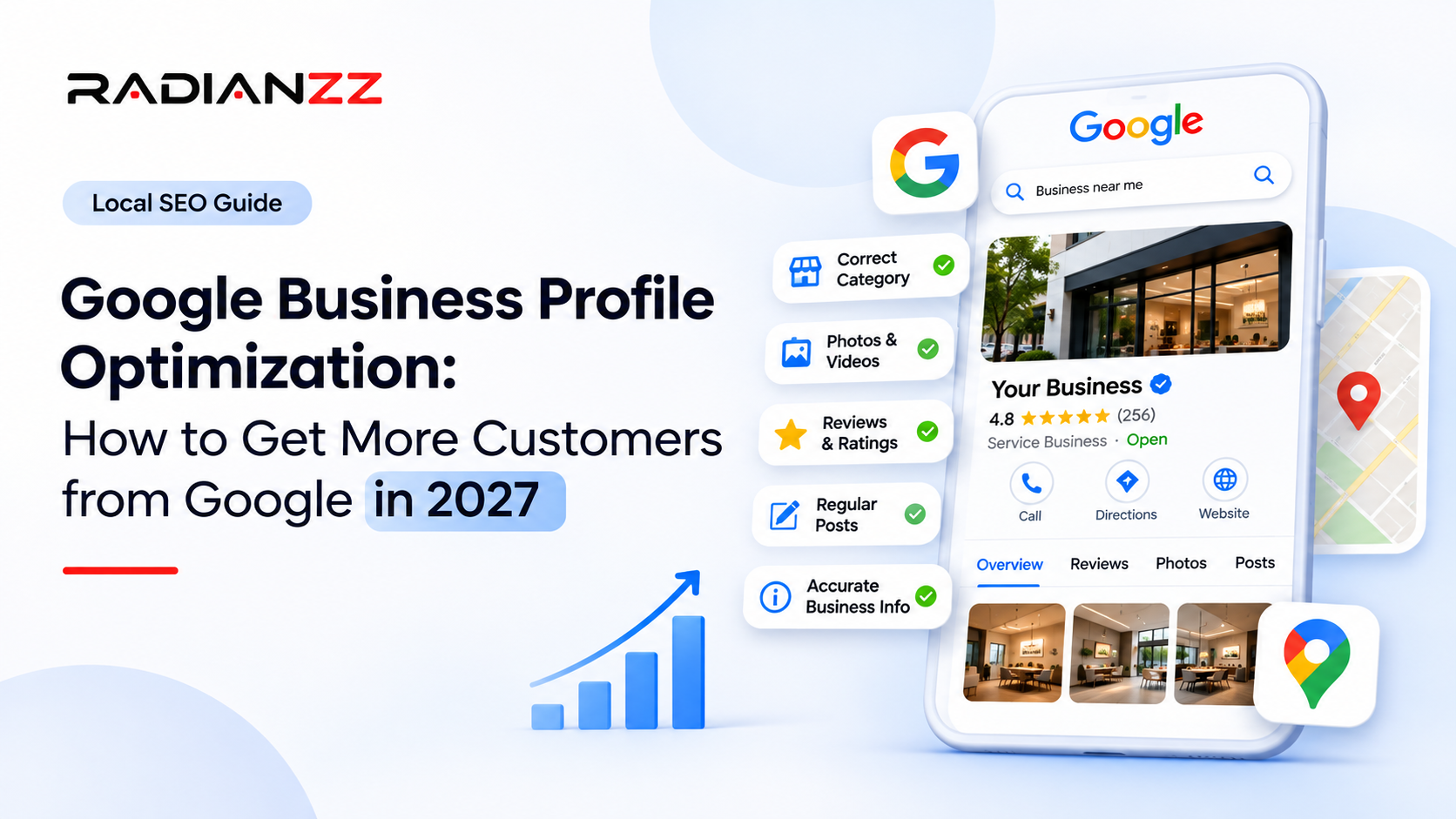
What Is Google Business Profile, and Why Does It Matter in 2027?
The Google Business Profile (or formerly known as Google My Business) listing is your free directory which controls how your business appears in Google Search and Google Maps. It contains your business name, address, opening times, phone number and photos as well as reviews. It also contains information on your services and buttons for people to call or get directions to you.
When someone searches for a physiotherapist near them, or best bakery nearby, the top 3 results will show on the map. This is mostly made up from Google Business Profiles. If you don’t have a profile then you’ll be missing out on a big chunk of potential customers.
How much does it really matter? Well according to the 2026 Local Search Ranking Factors survey, 50 local SEO experts estimated that Google Business Profile factors contribute around 32% to local pack rankings. Second place goes to reviews with 20%, up from 16% in 2023. Third place was on page factors with 15%. These are just estimates by local SEO experts and aren’t based on the Google algorithm, however, this has been consistent for years.
There are three reasons why 2027 is different.
Reviews matter more, and they're policed harder. Google says it blocked or removed over 292 million policy-violating reviews and more than 13 million fake Business Profiles in 2025, according to Search Engine Roundtable's report on Google's safety data. Shortcuts that used to slip through now get caught.
The old Q&A section is gone. Google retired the Q&A API in November 2025 and replaced the feature with Ask Maps, a Gemini-powered tool that answers customer questions on the spot. BrightLocal reports that those answers are drawn from your profile, your reviews and your website. As of March 2026 it was live in the US and India, on mobile only, and not for every business category.
AI search leans on the same ingredients. In the same survey, the factors behind AI search visibility were weighted differently: on-page content 24%, reviews 16%, citations 13%, links 13% and the profile itself 12%. So the profile is one part of the story. Your website, your reviews and how consistently you're mentioned elsewhere make up the rest.
Put simply, a strong profile gets you into the conversation. A clear website and honest reviews keep you in it. The next sections cover what to do about each.
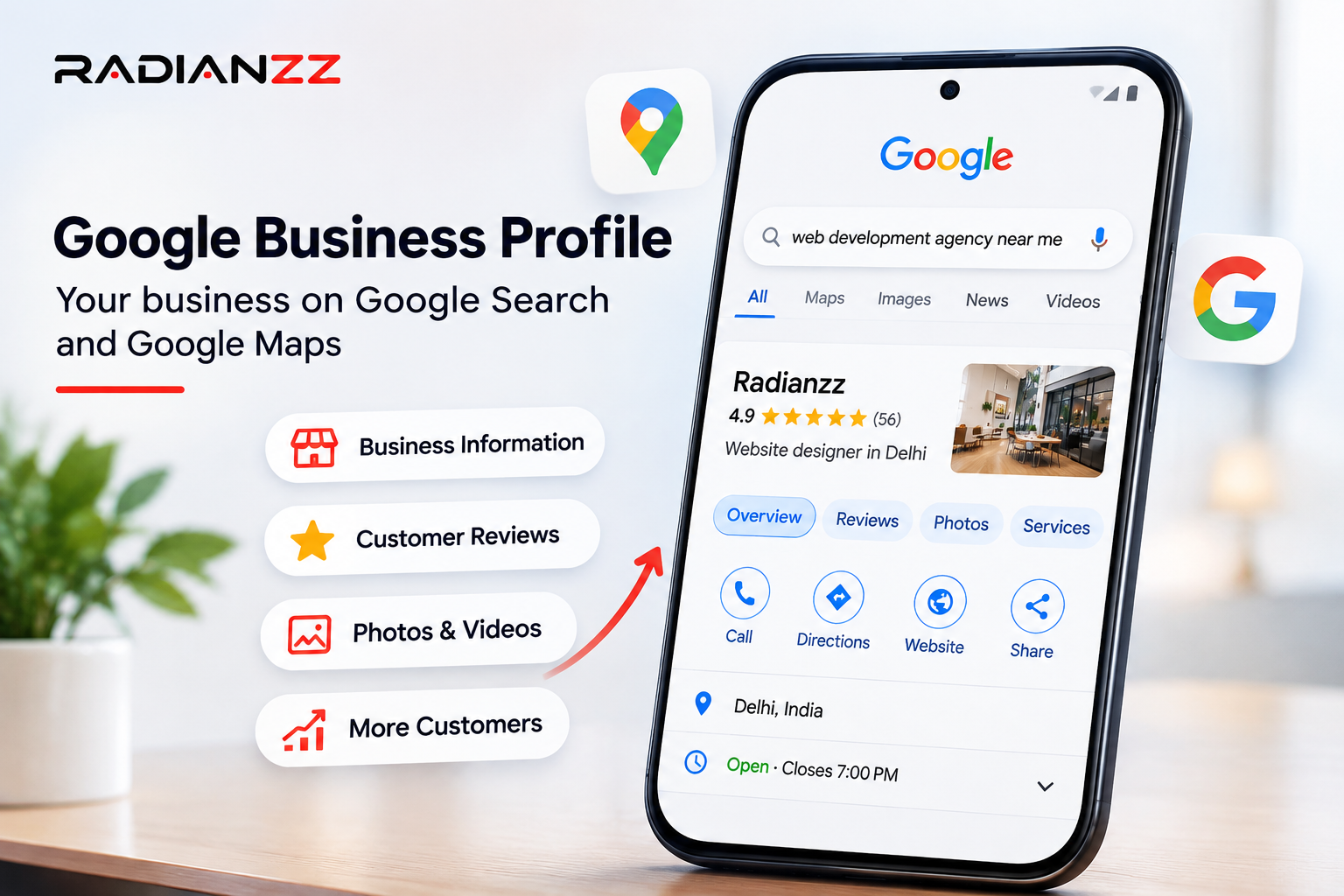
How to Optimize Your Google Business Profile in 2027
Here are nine things, in the order we'd tackle them. The first four are about getting the foundations right, and they're the ones most profiles quietly get wrong.
1. Claim, verify and get the basics exactly right
If you haven't already, search for your business on Google and claim the profile, then verify it. Verification isn't a formality. Google's own help page says photos and videos only show up on Google after you verify, so an unverified profile is working with one hand tied.
Then go through the basics like a stranger would:
• Name. Use the name on your signboard and invoices. Adding keywords to it might look clever, but it's a well-known way to get a profile edited or suspended.
• Address and map pin. If customers visit you, show the address and check the pin sits on your entrance, not the next street. If you travel to customers, hide the address and set your service areas instead.
• Hours. "Open at the time of search" is one of the strongest individual factors in the 2026 local pack survey. A profile with wrong or missing hours can simply not appear when someone searches at 8 pm. Add holiday hours too.
• Phone and website. Link to the most relevant page, which is often a location or service page rather than the homepage.
• Consistency. The name, address and phone number on your website, footer and contact page should match the profile character for character. The same survey lists matching NAP (name, address, phone) between your site and your profile as a ranking factor.
2. Choose your primary category carefully
This is the single most important choice on the profile. The 2026 survey ranked the primary category as the number one factor for local pack rankings, and an incorrect primary category shows up as one of the things that actively hurts you.
Be specific. "Physiotherapist" beats "Health and wellness". "Wedding photographer" beats "Photographer". Then add secondary categories, but only for things you really do. Additional categories came in as the eighth most influential factor, which is useful, but adding ones that don't fit just muddies the signal.
A quick way to sanity-check yourself: search for the phrase you want to be found for, look at the businesses in the top three, and see which categories they use. Several free browser extensions will show you.
3. Fill in services, products and attributes
One half-empty profile gives Google very little to match you against a search. Add every service you offer, each with a short plain-English description. Add products if you sell them. Tick the attributes that apply, such as online appointments, wheelchair access or women-led.
There's a second reason to be thorough now. Ask Maps pulls from your descriptions, services, attributes, hours, photos and posts, as BrightLocal explains. If the answer isn't on your profile or your website, it may fall back on third-party sources you don't control.
If Ask Maps is available where you are, try it on your own business. Ask the questions customers ask: Do you take walk-ins? Is there parking? How much does X cost? Write down anything wrong. Right now there's no way to report an inaccurate answer, so the fix is to correct the information it's drawing from.
4. Write a description that helps instead of sells
You get up to 750 characters. Use them to say what you do, who you do it for, where, and what makes you different. Leave out links and sales-y claims.
Don't expect the description to move your rankings. Experts in the 2026 survey agreed that keywords in the description have little effect on local pack position. Its job is to help a real person decide you're the right fit in about ten seconds.
Example (made up): "Greenleaf Physio is a family-run clinic offering sports injury rehab, back and neck pain treatment and post-surgery recovery. We see adults and teenagers, offer same-week appointments, and our therapists have over ten years of combined experience."
Simple, specific, and not a keyword in sight.
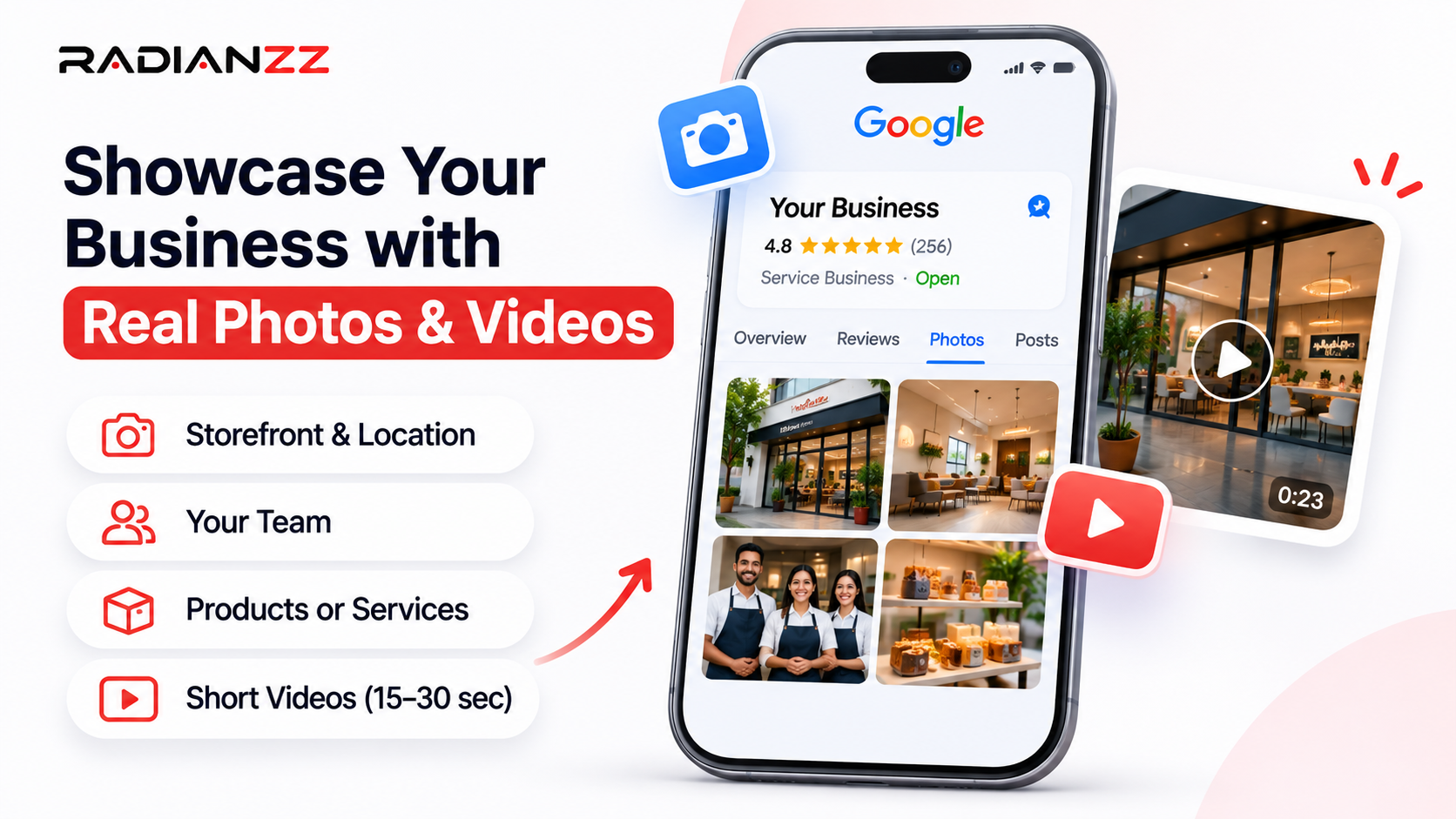
5. Add real photos and short videos, and keep them fresh
People judge a business by its pictures before they read a single review. A profile with three blurry photos from 2019 tells them nothing, or worse, the wrong thing.
Cover the places a customer would want to see: the outside (so they recognize the building when they arrive), the inside, your products or dishes, your team at work, and the service being delivered. If you have a menu or price list, photograph that as well.
Google's photo and video guidelines are short enough to remember:
Photos | Videos | |
Format | JPG or PNG | n/a |
File size | 10 KB to 5 MB | Up to 75 MB |
Resolution | 720 x 720 px recommended, 250 x 250 px minimum | 720p or higher |
Length | n/a | Up to 30 seconds |
The quality rule is the one people trip over. Photos should be in focus and well lit, with no significant alterations or excessive filters. Google's wording is that the image should represent reality. A modern phone is plenty. Upload, then allow up to 24 to 48 hours for it to go live.
A few practical notes:
• Skip the geo-tagging. Experts in the 2026 ranking survey rated geo-tagged photos as having little effect on local pack rankings. Photos help you win the customer, not the algorithm.
• Delete what's out of date. Old branding, a menu you no longer serve, a product you've stopped selling. Ask Maps regularly shows profile photos in its answers, so an outdated one can end up in front of a customer.
• Pick a cover photo you'd be happy with. If Google thinks yours is low quality, it can swap in a customer's photo instead.
• Short videos work. A 20-second walk-through, a quick "meet the team", a real before-and-after. Nothing fancy.
Make it a monthly habit rather than a one-off project. Five minutes, a few new photos, done.
6. Use AI image and video generation tools for the extras, not for the truth
This is where a lot of businesses are about to get into trouble, so it's worth being clear.
AI image and video generation tools have become genuinely useful for small businesses. You can turn a rough idea into a festival greeting, an offer banner or a 15-second promo clip in minutes, without a design team. We've put together a full comparison in our guide to the top 10 AI video and image generators for high-converting ad creatives. In short, tools like Midjourney, Ideogram, ChatGPT Images and Adobe Firefly cover images, while Runway, Google Veo and Kling cover video.
Here's where they fit around a Google Business Profile:
• Good uses: promotional graphics for your posts and social channels, short promo clips for your website, ad creatives, and tidying up a real photo (brightness, cropping, a distracting background).
• Bad uses: generating a picture of your shop, your food, your team or your finished work and uploading it as if it were real.
The bad uses break Google's own rule that photos should represent reality. They also backfire with customers. Imagine a restaurant whose AI-polished dishes look nothing like what arrives at the table. The one-star review writes itself.
A simple rule: real photos for the profile's photo section, AI-made visuals for the marketing around it. And before you use any generated image commercially, check that tool's Licence terms.
7. Earn reviews the honest way, and keep them coming
Reviews do three jobs at once. They influence where you rank, they decide whether a stranger trusts you enough to call, and now they feed the AI answers too. In the 2026 survey, high star ratings, the number of reviews with written text, review recency and steady growth over time all landed in the top 15 local pack factors. Ask Maps also reads reviews and cites specific mentions of services and staff, so a detailed review is worth far more than a bare five stars.
How to get them without causing yourself problems:
• Ask at the right moment. Right after a good appointment, a delivered order or a completed job, when the customer is happiest. Send your Google review link by WhatsApp or SMS, or put a QR code at the counter.
• Make it easy, and nudge gently for detail. "If you have a minute, it'd help to mention which service you came in for" gets you much better reviews than "please leave us five stars".
• Ask everyone. Don't cherry-pick only the people you expect to be happy. Google's policies prohibit selectively soliciting positive reviews.
• Never pay or reward for reviews. Discounts, freebies and bought reviews break the rules, and Google's enforcement is not subtle. When it sees a sudden spike of spam reviews, it removes the fake content, pauses new reviews on the profile, alerts the owner and shows customers a notice explaining why.
• Aim for steady, not sudden. Ten reviews spread across a month looks natural. Fifty in one afternoon doesn't.
Reply to every review, the good and the bad. Keep replies short, polite and specific. For a negative one, thank them, acknowledge the problem without arguing, and offer to fix it offline. Don't bother stuffing keywords into replies, since the survey experts saw little ranking effect from that. You're writing for the next customer reading the exchange, not for Google.
8. Post when you have something real to say
Here's something that might surprise you. Experts in the 2026 survey said the quantity of Google posts has little effect on local pack rankings. You'll read plenty of advice online claiming that posting constantly pushes you up the map. The people who actually test this say otherwise.
That doesn't make posts useless. They're a free shop window, and they can lift how many people click or call once they find you. Use them for a new service, a seasonal offer, an event or a change in hours, each with a clear next step. Once or twice a month is plenty. If you have nothing to say, skip it. A thin post is worse than no post.
This is also a good place to use those AI-generated graphics from section 6.
9. Make your website back the profile up
This is the step most local businesses skip, and it's where a lot of the remaining ranking weight sits. On-page signals count for 15% of local pack rankings, 33% of local organic results and 24% of AI search visibility in the survey. A dedicated page for each service was the top local organic factor and the second most important AI visibility factor.
In practice, that means:
• One page per service, and one per location if you have several. "Dental implants in Gurugram" deserves its own page, not a line on a services list.
• Answer the questions customers ask. Q&A is gone from the profile, and Ask Maps pulls from your website's service pages, FAQs and contact details. Put your hours, pricing guidance, parking, booking process and common questions somewhere on the site where they're easy to find.
• Match your profile exactly. Same name, address and phone number, with local business structured data (schema) that agrees with the profile.
• Link the profile to the right page and add tracking parameters, so you can see in your analytics who came from Google Maps.
• Be fast on a phone. Most local searchers are on mobile, and a slow page loses them before they call.
• Get mentioned elsewhere. Presence on "best of" lists was the number one AI visibility factor, and citations and third-party mentions all counted. Consistent listings on relevant directories, local press and industry sites are worth the effort.
Common Google Business Profile Mistakes to Avoid
Most of these look harmless. A few can cost you the profile.
• Keyword-stuffed business names. "Smile Care Dental - Best Dentist Near Me Cheap Implants" might feel smart, but it isn't your real name, and it invites an edit or a suspension.
• The wrong primary category. It's the biggest lever you have, and it works against you when it's off.
• Wrong hours. Especially around holidays. A customer who turns up to a locked door tells everyone about it in a review.
• Bought or rewarded reviews. Google is removing them in huge numbers, and the penalties escalate from deleted reviews to a public warning to suspension.
• Photos that aren't real. AI-generated or stock images passed off as your premises, products or team.
• Duplicate listings. The 2026 survey flagged having another profile in the same category at the same address as a negative factor. If you've moved, rebranded or an agency once created a second listing, clean it up.
• Ignoring reviews. Unanswered complaints sit there in public for everyone to read.
• Set and forget. Services, prices and staff change. A profile that doesn't change with them slowly turns into misinformation.
How to Measure Whether It's Working
Inside your profile, Google's performance reports show how people found you and what they did next: calls, direction requests, website clicks and similar actions. That's your main scoreboard. Check it monthly, and compare against the same month last year if you can, since many businesses are seasonal.
Pair it with a few other things:
• Website analytics. If your profile link carries tracking parameters, you can see sessions and enquiries that came from Google Maps and Search.
• Rankings from different spots. Proximity is the second most important local pack factor, so your ranking depends on where the searcher is standing. Checking from your own shop tells you very little. Use a tool that shows rankings across a grid around your location.
• Review numbers. New reviews per month, average rating and how quickly you reply.
• A monthly AI check. Ask the questions your customers ask, in Ask Maps where it's available and in a couple of AI assistants. Note what they say about you and what they get wrong.
A caution: local rankings move around for reasons nobody outside Google fully controls, and results take time. Judge by three-month trends, not by one bad week.
Here's a 20-minute monthly routine that covers most of it:
1. Check your hours, phone number, website link and services are still correct.
2. Reply to new reviews, and send review requests to recent customers.
3. Add a few real photos or a short video, and delete anything outdated.
4. Publish a post if you have something worth saying.
5. Look at calls, direction requests and website clicks, and note what changed.
6. Run your AI check and fix whatever was wrong at the source.
How Radianzz Can Help You Get More Customers from Google
A Google Business Profile does its best work when the website behind it is strong, and that's where we spend most of our time. At Radianzz, we bring design, development, search and AI work under one roof, so the profile, the website and the customer journey are built to work together rather than by three separate vendors.
Local SEO and profile audits
We review your profile against the factors covered in this guide: categories, services, hours, consistency, reviews and photos. We then check it against your website and the listings around the web. You get a clear list of what's holding you back and what to fix first. It sits naturally alongside our SEO work.
Service and location pages that earn their place
Dedicated service pages are one of the strongest signals for both local organic results and AI search. Our web and mobile engineering team builds fast, structured pages that match your profile exactly and load quickly on a phone.
Design that turns a tap into an enquiry
The profile gets people to your door. The page they land on decides whether they call. Our UI/UX and product design team designs clear, mobile-first pages with obvious calls, bookings and directions.
Content that answers real customer questions
With Q&A gone, your website carries more of the load. We help plan and write FAQs, guides and service content through our content strategy work, so Ask Maps and other AI tools have accurate answers to draw from. If you want to understand the bigger picture of how AI search picks its sources, read our guide to Generative Engine Optimization (GEO).
AI-powered visuals and automation
Through AI and automation, we can set up review-request workflows, reporting dashboards and AI-assisted creative for your posts and ads, while keeping your real photos real.
Ongoing optimization
Local search isn't a one-time project. Google keeps changing the rules, customers keep changing what they ask, and competitors keep improving their profiles. A steady monthly routine beats a big one-off push.
Want to see how we work? Browse our case studies or explore everything we do.
Conclusion
Getting more customers from Google in 2027 isn't about a secret trick. It's about being the business whose information is correct, whose photos are real, whose reviews are recent and honest, and whose website answers the questions people actually ask. Do that consistently and you give Google, Ask Maps and every AI assistant good reasons to recommend you.
The businesses that win here usually aren't the ones with the biggest budgets. They're the ones that check their profile every month while competitors check it every few years.
If you do one thing after reading this, open your profile today and check your primary category, your hours and your latest photos. It takes ten minutes, and it's the best place to start.